REVIEW · MOAB
Goblin Valley Self Guided Driving Audio Tour
Book on Viator →Operated by Travel with Action · Bookable on Viator
Goblin Valley rewards slow driving and big curiosity. This self-guided GPS audio tour strings together major viewpoints with clear, location-triggered stories, so you don’t miss the good stuff even if you’re just rolling through by rental car. I especially like the lifetime access setup, and I like that you can start, pause, and revisit as often as you want on future Moab trips. The one thing to consider: it’s short by design (about 1–2 hours), so it’s not the kind of experience where you’ll get long, deep hikes or hours of narration.
If you want a simple, hands-free way to understand Goblin Valley on the go, this works. Just don’t treat the app like a casual download—one review clue I’d take seriously is that it only really works smoothly when you download first and begin at the correct coordinates.
In This Review
- Key Points to Know Before You Go
- Goblin Valley by Car: Why This Audio Tour Makes Sense
- Price and Value: $9.99 Per Group (Up to 4)
- Starting Point: Temple Mt Rd, Then Drive to Goblin Valley Rd
- How the GPS Audio Works (And Why Your Phone Setup Matters)
- Best sound setup in the car
- Your Route in Real Time: Six Stops You’ll Want to See
- Stop 1: San Rafael Swell Lookout—The Giant Raised Ridgeline
- Stop 2: Temple Mountain Wash Pictograph Panel—Barrier Canyon and Fremont Clues
- Stop 3: Molly’s Castle—Red Rock “Turrets and Towers”
- Stop 4: Wild Horse Butte—Wind and Water Carving
- Stop 5: Three Sisters—Hoodoos with Local Nicknames
- Stop 6: Goblin Overlook—The Hoodoo Hotspot and Film Connection
- Timing, Pace, and Photo Strategy
- Who Should Book This Self-Guided Audio Drive?
- Should You Book This Goblin Valley Audio Tour?
- FAQ
- FAQ
- How much does the Goblin Valley Self Guided Driving Audio Tour cost?
- How long does the tour take?
- Where does the tour start and end?
- Do I need cell service for the audio and maps?
- How do I start the audio tour?
- Do I need to bring tickets or reservations?
- What language is the tour available in?
- What kind of device do I need for the best experience?
- Is there a lifetime access feature?
Key Points to Know Before You Go
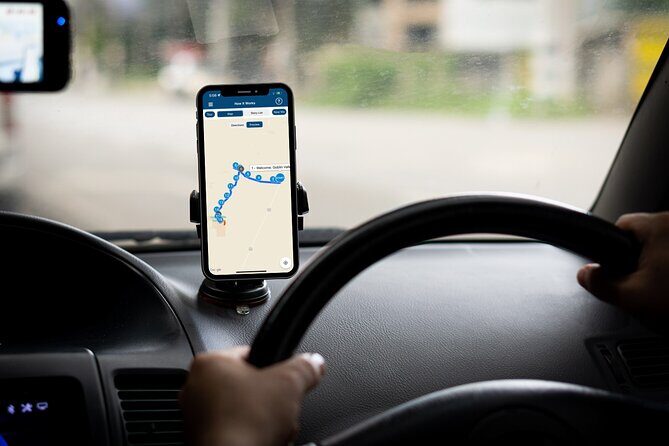
- Offline maps included: you can keep going even with spotty or no cell service.
- Audio starts hands-free: stories play automatically based on where your phone says you are.
- Download before leaving for the route: you’ll need strong wifi/cellular while setting things up.
- 15+ audio stories across 15 miles+: it’s built as a drive-and-look circuit, not a long trek.
- Six iconic stops near Moab: San Rafael Swell, pictographs, Molly’s Castle, Wild Horse Butte, Three Sisters, and Goblin Overlook.
- Best value when split in a car: $9.99 per group up to 4 means the per-person cost can get very small.
Goblin Valley by Car: Why This Audio Tour Makes Sense
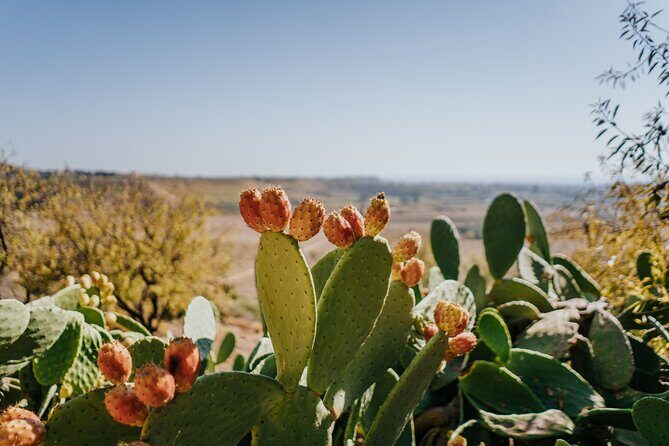
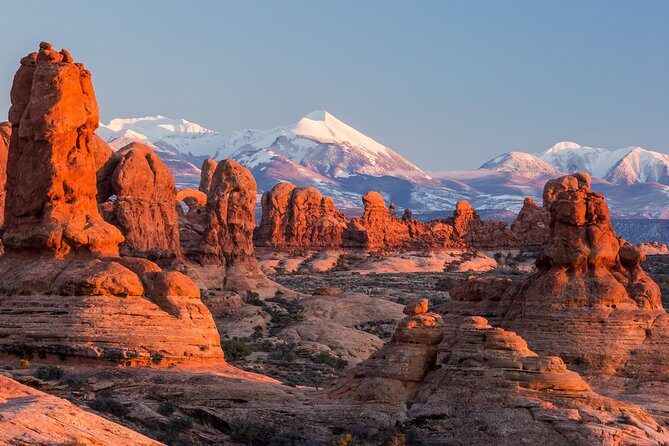
Goblin Valley is the kind of place where your first reaction is, Wait, what am I looking at? And that’s exactly where a good audio guide helps. Instead of trying to read every sign or guess what formation you’re staring at, the tour gives you a story at each stop and cues you when to move to the next one.
I like that it’s built around your pace. You can pull over for photos, take a snack break, and let the narration guide the route timing. Since it’s self-guided, you don’t have to match anyone else’s walking speed or insist on a tight schedule.
The other big practical win: you don’t need cell service. The tour includes offline maps, and the app is designed to work even when your signal drops. That matters in Utah canyon country, where your phone can suddenly become a camera only.
Other canyoneering and rappelling tours we've reviewed in Moab

Price and Value: $9.99 Per Group (Up to 4)
At $9.99 per group (up to four people), the math is straightforward. If you’re traveling as a small carload, this is one of those deals that feels almost too easy—one purchase covers everyone in the vehicle.
If you’re solo or two people, it’s still reasonable for a 1–2 hour activity, but you’ll feel the difference. And that’s where the one real caution comes in: the experience is short and intentionally focused. One review called it minimal and not worth the cost for the time and effort they put in—so if you expect a full-day program with long stops and deep detail at every turnout, set your expectations accordingly.
My take: it’s best value when you (1) plan to do the main pull-offs anyway, and (2) want the stories to help you understand what you’re seeing without adding a separate guided tour cost.
Starting Point: Temple Mt Rd, Then Drive to Goblin Valley Rd
This tour is a private self-guided activity—no guide meets you at the start. Your job is simple: show up at the starting point, open the app, and let the audio do its thing.
- Start: Temple Mount Road (Temple Mt Rd, Utah)
- End: Goblin Valley Road (Goblin Valley Rd, Utah)
- Hours shown: 6:00 AM to 9:00 PM (daily for the listed operating window)
You’ll get confirmation at booking time, and afterward you’ll receive an email and text with setup instructions plus a password. The key is that you need to download the tour while you’re on strong wifi/cellular. Once downloaded, it’s designed to work offline.
A detail worth repeating from the best practical advice: start at the designated location/coordinates. One review specifically warned that the audio experience worked best when you begin at the correct starting point.
How the GPS Audio Works (And Why Your Phone Setup Matters)
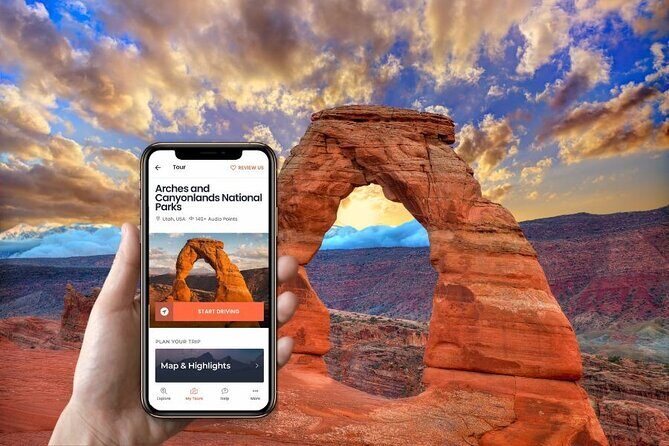
This is a hands-free driving audio tour. Once you’re at the start point and you’ve launched the right tour version, the narration begins automatically at the first story location and then moves story-to-story based on your location.
That “based on location” part is what makes it work—and what can frustrate you if your phone isn’t ready. Here’s the practical way to avoid audio glitches:
- Download the tour in good signal conditions before you rely on it.
- Once onsite, open the Action’s Tour Guide App and launch the tour matching your planned starting direction.
- Stay near the route and follow the speed limit so your GPS doesn’t drift away from the triggers.
- If you face issues, contact support (the tour info notes this as the fallback).
Best sound setup in the car
You can connect your phone to your car stereo using Bluetooth, USB, or AUX. If you plan to walk around at stops (you probably will), consider using headphones for clearer sound while you’re away from the car.
The audio playback is compatible with Apple CarPlay (navigation features are listed as coming soon), and Android Auto is also on the way. If you don’t have CarPlay/Android Auto, AUX/USB/Bluetooth should still get the job done.
Other self-guided audio tours we've reviewed in Moab

Your Route in Real Time: Six Stops You’ll Want to See
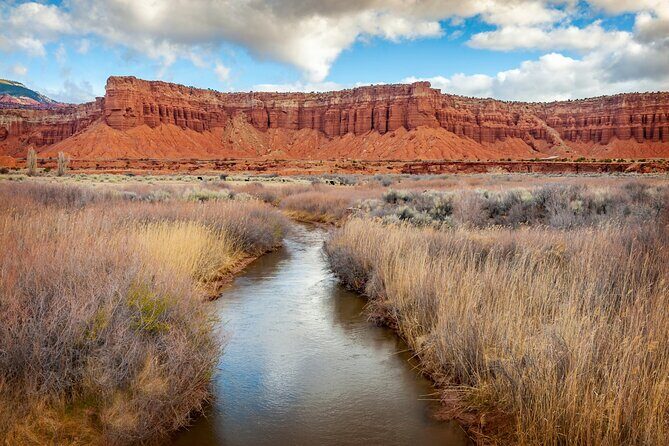
The tour is described as covering over 15 miles with more than 15 audio stories, taking about 1–2 hours total. Each major stop is scheduled for around 10 minutes of story time, but you’ll likely spend a little more if you enjoy photos or want to walk a few steps beyond the parking areas.
Here’s what each stop delivers and why it’s worth pulling in.
Stop 1: San Rafael Swell Lookout—The Giant Raised Ridgeline
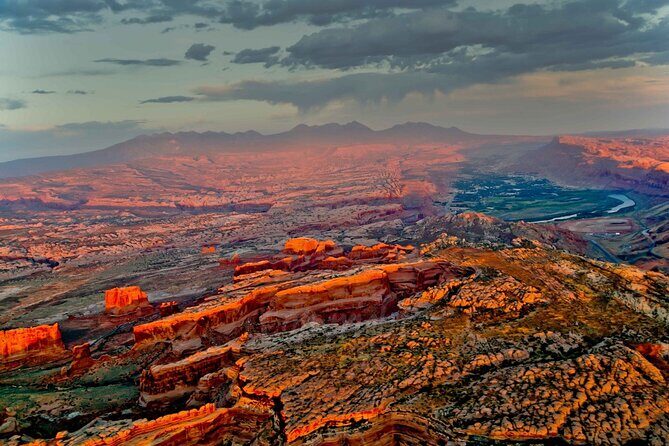
The first big wow is the San Rafael Swell, a dramatic raised ridgeline formation. It spans roughly 2,000 square miles and rises as high as 7,000 feet above sea level.
This is a smart opener because it gives you scale fast. Before you see hoodoos and goblin-like rocks, you understand the larger geologic story: Utah didn’t just “make scenery.” It built it.
Practical tip: if you’re arriving from Moab, this is your first chance to get bearings. Use it to decide how much time you want per stop—then keep the same pace for the rest of the drive.
Stop 2: Temple Mountain Wash Pictograph Panel—Barrier Canyon and Fremont Clues
Next up is the Temple Mountain Wash Pictograph Panel, where ancient rock art brings a human timeline into the same scene you’re seeing today.
You’re asked to watch for the parking area coming up on the right and turn in. Once parked, you’ll learn that some imagery fits the Barrier Canyon Style—including tall humanoid figures and abstract motifs. Other images are described as a different style, which archaeologists connect to the Fremont people living here after the Barrier Canyon Style period.
This stop is powerful because it adds depth without requiring a long walk. You’re not just viewing rocks; you’re seeing evidence of different peoples using the land at different times.
Drawback to consider: pictograph viewing can be visually subtle depending on distance and lighting. If you want big, obvious detail, arrive prepared to spend a little extra looking time—this tour gives you a set story window, but you may want a few minutes beyond it.
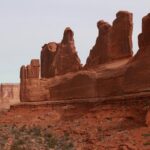
Stop 3: Molly’s Castle—Red Rock “Turrets and Towers”
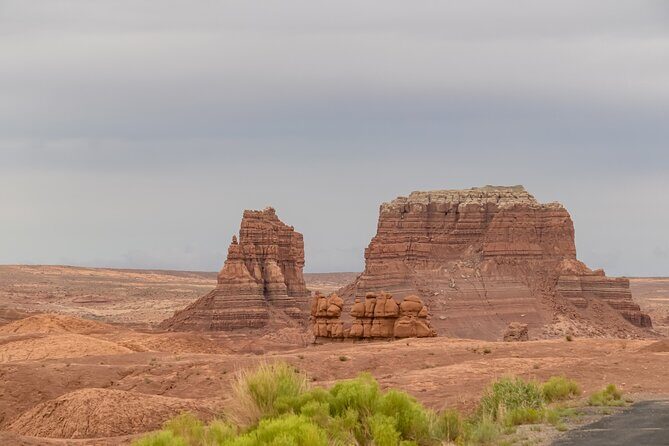
As you drive, you’ll spot Molly’s Castle off to your left. The outcrop is described as standing at over 5,000 feet above sea level, and the title comes from the way the sandstone formation looks like towers, turrets, and walls.
This is a classic Goblin Valley moment: a single rock shape that your brain wants to label. You’ll likely start using your own imagination, and the story helps you keep that imagination tethered to geology.
Photo tip: Molly’s Castle tends to look best when you give it a moment. Pull in for a quick photo, then take one or two more slightly later when the light shifts.
Stop 4: Wild Horse Butte—Wind and Water Carving
Next is Wild Horse Butte, described at 5,760 feet above sea level and shaped over millions of years by wind and water.
This stop reinforces the theme you’ll feel throughout the tour: these aren’t random rocks. The formations were sculpted slowly, and the strange shapes are the result of geologic forces doing their long work.
If you like “how did that form happen” thinking, this is one of the most satisfying stops. The story frames the shape so you can interpret it rather than just admire it.
Stop 5: Three Sisters—Hoodoos with Local Nicknames
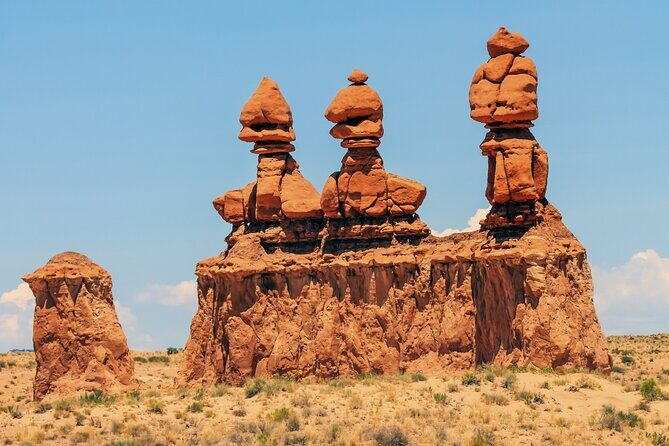
Look left for the iconic trio: the Three Sisters. They’re described as hoodoos atop their rocky home, with the locals giving them names: Sister Superior, Sister Act, and Sister Mary.
If Goblin Valley is your first hoodoo experience, this is the stop that makes the term click. Even without a geology degree, you can see the columns rising out of the base rock, shaped by erosion patterns over time.
Practical note: these columns are a visual signature of the park. Plan for a couple photos from different angles if you can, because the “three” look changes with your position.
Stop 6: Goblin Overlook—The Hoodoo Hotspot and Film Connection
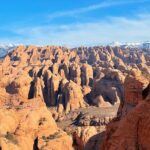
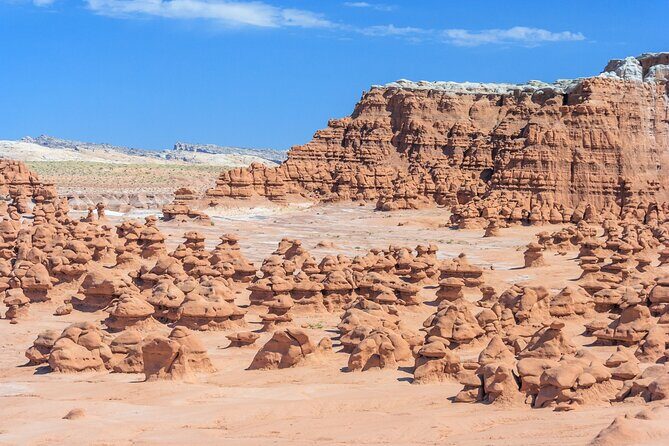
Finally, you reach Goblin Overlook, where you learn that Goblin Valley has the highest occurrence of hoodoos in the world, even more than Bryce Canyon. There are thousands here, giving the area an almost alien feel.
And yes, Hollywood noticed. The tour connects this look to the 1999 sci-fi comedy Galaxy Quest, starring Tim Allen.
This ending works because it wraps up the “why it looks like that” theme with a punchy cultural nod. You finish knowing what hoodoos are and why this place became a visual shortcut for filmmakers.
If you still want more after this stop, it’s also a good moment to linger. You’re at the viewpoint where you can take in the density of rock forms before heading back.
Timing, Pace, and Photo Strategy
The tour is designed for about 1–2 hours, so it fits easily into a half-day plan. The route itself is over 15 miles, which means you’ll spend a chunk of the time driving between pull-offs.
My advice: don’t try to rush it. You’re likely to stop anyway, and the narration is spaced to match those short viewing windows. If you find yourself skipping too fast, you’ll miss the story context that makes the rocks more meaningful.
Photo strategy that keeps the tour enjoyable:
- Take one quick photo immediately at each stop.
- Then take a second one after you’ve listened to the story cue.
- If you want to walk, do a short loop and get back before you feel behind schedule.
Who Should Book This Self-Guided Audio Drive?

This is a good fit if you want:
- A simple plan for Goblin Valley that doesn’t require a reservation.
- A hands-free way to understand what you’re seeing at major stops.
- Offline support so you’re not dependent on signal.
- A flexible timeline you can scale with snacks, photos, and little detours.
It’s also a smart choice if you’re traveling with mixed interests. One person can focus on the geology and another on the pictographs, and the audio gives something for both.
Skip it (or choose a longer guided option instead) if:
- You want a full-day, guided, step-by-step experience with lots of time at fewer locations.
- You dislike short tours that feel more like a curated drive than a deep, slow hike.
- You’re the type who gets frustrated when GPS triggers don’t land exactly where you expect.
Should You Book This Goblin Valley Audio Tour?
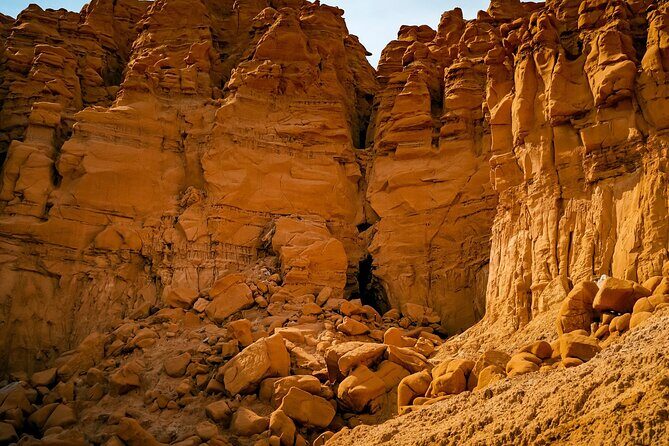
If you’re visiting Goblin Valley and you’d rather not spend your whole day bouncing between viewpoints without context, this booking makes sense. I’d especially recommend it if you have a car with decent audio access and you can follow the simple rule: download first, start at the coordinates, and stay on the route.
It’s a strong value for groups up to four, and the lifetime access makes it a nice “use it again next time” option. Just be honest with yourself about time and depth: it’s built to cover the big hits in about an hour or two, not to replace a multi-hour guide with long stops.
FAQ
FAQ
How much does the Goblin Valley Self Guided Driving Audio Tour cost?
It costs $9.99 per group, and the price covers up to 4 people.
How long does the tour take?
The tour takes about 1 to 2 hours to complete.
Where does the tour start and end?
The tour starts at Temple Mount Road (Temple Mt Rd, Utah) and ends at Goblin Valley Road (Goblin Valley Rd, Utah).
Do I need cell service for the audio and maps?
No. The tour includes offline maps, and after downloading, it is designed to work without cellular or wifi.
How do I start the audio tour?
Go to the starting point, open the Action’s Tour Guide App, and launch the correct tour version (based on your starting point/direction). The first story should begin automatically at the first story location.
Do I need to bring tickets or reservations?
No. The tour notes that attraction passes, entry tickets, or reservations are not included. The stops are marked as admission ticket free in the tour details.
What language is the tour available in?
The tour is offered in English.
What kind of device do I need for the best experience?
The recommended devices listed are an iPhone (iOS 15 or later), an Android device (version 9 or later), or an iPad/tablet with GPS and cellular connectivity for navigation.
Is there a lifetime access feature?
Yes. You get new, lifetime access with no expiry, and you can use it on any trip as many times as you want.